Introduction
Choosing the right platform for your website is one of the most important decisions you can make when building your digital presence. Your website platform affects everything from design flexibility and website speed to SEO performance and scalability.
Two of the most widely used website platforms today are Webflow and WordPress. Both platforms power millions of websites around the world, but they serve different types of users and business needs.
While WordPress has been the dominant content management system for over a decade, Webflow has emerged as a powerful modern alternative that combines visual design tools with professional development capabilities.
In this guide, we’ll compare Webflow and WordPress across several important factors including ease of use, design flexibility, SEO capabilities, performance, maintenance, and scalability to help you determine which platform is best for your business.
Quick Overview: Webflow vs WordPress
Before diving deeper, here’s a quick comparison of the two platforms.
| Feature | Webflow | WordPress |
|---|---|---|
| Ease of Use | Visual builder with learning curve | Beginner-friendly with themes |
| Design Flexibility | Very high | High but theme-dependent |
| SEO Tools | Built-in | Plugin-based |
| Maintenance | Minimal | Regular updates required |
| Hosting | Included | Requires external hosting |
| Plugins | Limited but integrated | Large plugin ecosystem |
| Security | Managed by platform | Depends on hosting & plugins |
Both platforms are powerful, but their strengths differ depending on how you plan to build and manage your website.
What Is Webflow?
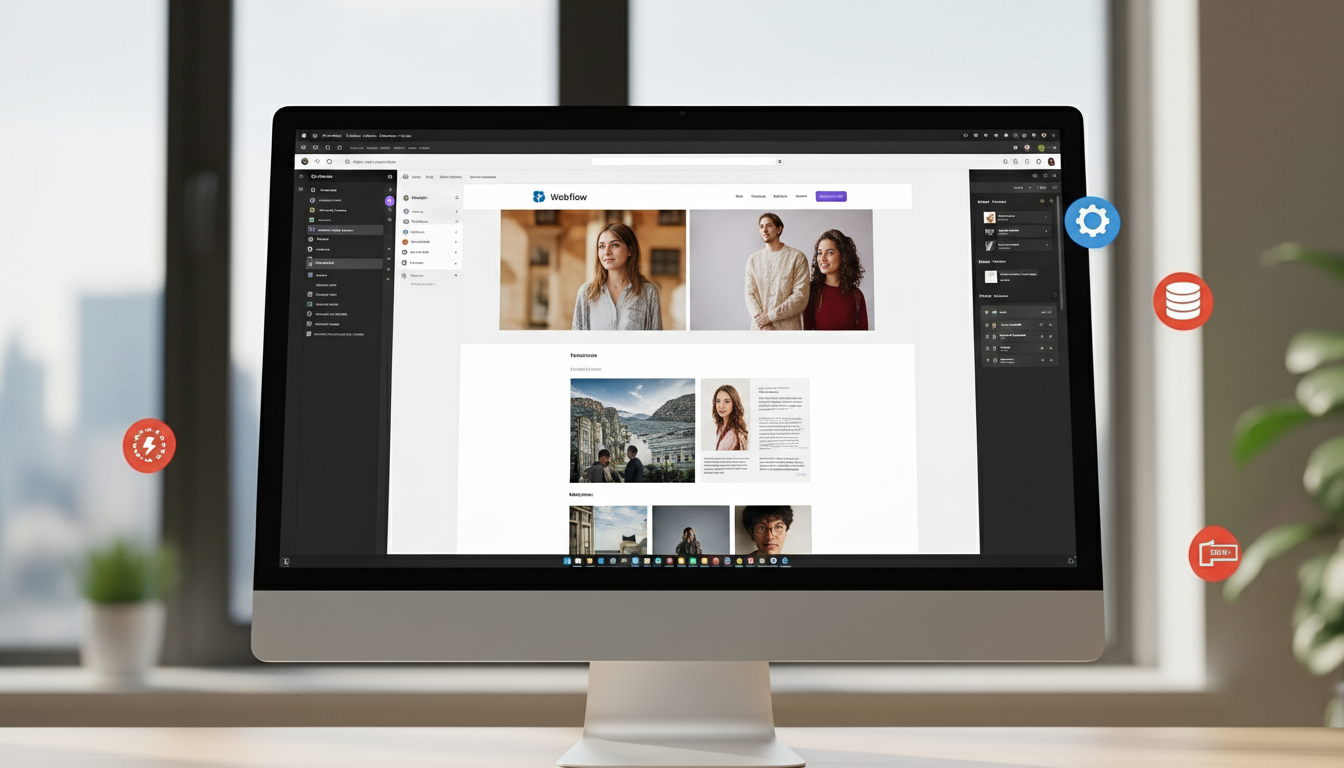
(example Webflow designer interface image)
Webflow is a modern website design and development platform that allows designers to create websites visually while generating clean code in the background.
Instead of relying heavily on plugins and themes, Webflow offers an integrated system that includes:
- visual layout design
- built-in CMS
- hosting infrastructure
- animation tools
- SEO settings
This makes Webflow particularly attractive for design-driven websites, startups, and agencies.
Because Webflow produces clean code and uses optimized hosting infrastructure, websites built on Webflow often perform well in terms of speed and SEO performance.
What Is WordPress?
(example WordPress dashboard image)
WordPress is the world’s most widely used content management system, powering over 40% of all websites on the internet.
WordPress is an open-source platform, which means developers can modify and extend it freely using themes and plugins.
WordPress websites typically require three components:
- the WordPress software
- a hosting provider
- plugins and themes
This flexible ecosystem allows businesses to create almost any type of website, from simple blogs to complex enterprise platforms.
However, this flexibility often comes with additional maintenance responsibilities.
Ease of Use
One of the first things businesses consider when choosing a platform is how easy it is to build and manage a website.
Webflow
Webflow provides a visual interface similar to design tools like Figma or Adobe XD. Designers can control layout, typography, spacing, and responsiveness visually.
However, Webflow still requires an understanding of basic web design concepts like CSS structure and responsive design.
Because of this, Webflow may feel slightly complex for complete beginners.
WordPress
WordPress is generally easier for beginners, especially when using pre-built themes and page builders like Elementor.
Users can install themes and customize them without needing advanced design knowledge.
However, managing plugins and updates can eventually become more complicated.
(example drag and drop website builder interface image)
Design Flexibility
Design flexibility is a major factor when creating unique and branded websites.
Webflow Design Capabilities
Webflow offers extremely high design flexibility because it allows designers to build layouts from scratch.
You are not restricted by templates, which means every element of the website can be customized.
Webflow also provides powerful animation tools that allow developers to create interactive websites without writing JavaScript.
WordPress Design Capabilities
WordPress design flexibility depends heavily on themes.
Some premium themes allow deep customization, while others limit layout options.
To achieve advanced designs, developers often rely on page builders or custom coding.
(example modern website design system image)
SEO Capabilities
Search engine optimization is essential for attracting organic traffic.
Both Webflow and WordPress offer strong SEO capabilities, but they approach them differently.
SEO in Webflow
Webflow includes many SEO tools directly within the platform.
Users can easily manage:
- meta titles and descriptions
- custom URLs
- open graph settings
- schema markup
- alt text for images
Because Webflow generates clean code, websites built on the platform often perform well in search engine rankings.
(example SEO settings interface image)
SEO in WordPress
WordPress also offers excellent SEO functionality, primarily through plugins such as Yoast SEO or RankMath.
These plugins provide advanced SEO features including:
- keyword optimization
- sitemap generation
- content analysis
- schema markup
However, WordPress SEO performance often depends on the quality of plugins and hosting infrastructure.
Website Performance and Speed
Website speed plays a major role in both user experience and search rankings.
Webflow Performance
Webflow websites benefit from built-in hosting powered by global content delivery networks (CDNs).
This results in:
- fast page loading
- optimized caching
- global server distribution
Because Webflow sites typically rely on fewer external plugins, they often load faster than plugin-heavy platforms.
(example website speed performance chart image)
WordPress Performance
WordPress performance depends heavily on the hosting provider and installed plugins.
Poorly optimized WordPress sites can become slow due to:
- excessive plugins
- heavy themes
- unoptimized hosting
However, with proper optimization and high-quality hosting, WordPress websites can still perform very well.
Security and Maintenance
Website security is another important factor when choosing a platform.
Webflow Security
Webflow manages security automatically through its hosting infrastructure.
Security features include:
- SSL certificates
- server monitoring
- platform updates
- protection against common vulnerabilities
Because Webflow handles these processes internally, businesses spend less time managing security.
WordPress Security
WordPress security depends largely on the website owner.
Users must manage:
- plugin updates
- theme updates
- server security
- backups
Without proper maintenance, WordPress websites can become vulnerable to security risks.
(example website security dashboard image)
Cost Comparison
Pricing structures differ significantly between the two platforms.
Webflow Pricing
Webflow offers subscription plans that include hosting and platform features in one package.
Costs typically include:
- site plan
- CMS plan (for dynamic content)
- optional integrations
This bundled pricing simplifies budgeting.
WordPress Pricing
WordPress itself is free, but running a WordPress website usually involves several expenses.
Common costs include:
- hosting provider
- premium themes
- plugin subscriptions
- developer maintenance
While WordPress can initially appear cheaper, costs can increase as the website grows.
When to Choose Webflow
Webflow is an excellent choice for businesses that prioritize:
- modern design
- strong website performance
- built-in hosting
- minimal maintenance
- marketing-focused websites
Startups, SaaS companies, and digital agencies often prefer Webflow because it allows them to launch visually impressive websites quickly.
When to Choose WordPress
WordPress may be a better option for businesses that need:
- complex content systems
- extensive plugin integrations
- large blogging platforms
- highly customizable backend systems
Organizations with dedicated development teams often prefer WordPress because of its flexibility.
Final Verdict
Both Webflow and WordPress are powerful website platforms, but the best choice depends on your business goals.
Webflow offers a modern, design-focused approach with built-in performance and minimal maintenance, making it ideal for marketing websites and startups.
WordPress remains an incredibly flexible platform for businesses that require advanced customization and large content ecosystems.
Understanding your website’s long-term goals will help you choose the platform that best supports your digital growth.
Conclusion
Your website platform plays a crucial role in shaping your online presence.
Businesses that prioritize design flexibility, performance, and ease of management often find Webflow to be a powerful modern solution.
Meanwhile, companies with complex content structures and development resources may still benefit from WordPress’s extensive ecosystem.
Carefully evaluating your needs will help ensure your website remains scalable, secure, and optimized for long-term success.