Introduction
Website speed has become one of the most critical factors for online success. Visitors expect websites to load instantly, and even a delay of a few seconds can significantly increase bounce rates and reduce conversions.
Search engines also prioritize fast websites in their rankings. Faster websites typically deliver better user experiences, improved engagement, and higher search visibility.
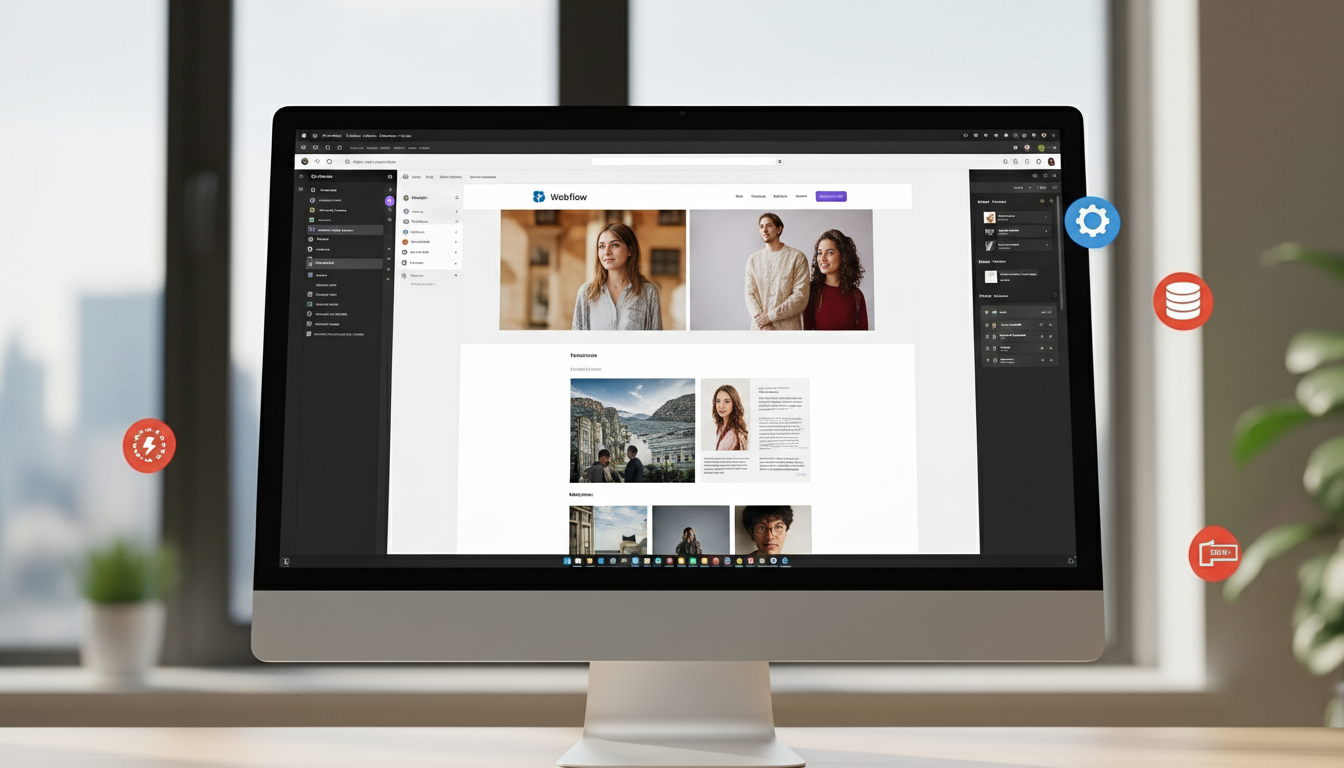
One platform that helps businesses build high-performance websites is Webflow. Its modern development approach generates clean code, optimized assets, and reliable hosting infrastructure.
However, even with a powerful platform like Webflow, proper design and optimization techniques are essential to ensure the best possible performance.
In this guide, we’ll explore ten practical Webflow design tips that can dramatically improve website speed while maintaining a beautiful user experience.
Why Website Speed Matters
Before diving into the optimization tips, it’s important to understand why website performance is so important.
Fast websites provide several advantages:
- Better user experience
- Higher search engine rankings
- Lower bounce rates
- Improved conversion rates
- Stronger brand credibility
Google’s ranking algorithms consider page speed as a major factor when determining search results. Websites that load quickly often perform better in both SEO rankings and user engagement metrics.
By applying the right design strategies inside Webflow, businesses can create websites that are both visually appealing and technically optimized.

Tip 1: Optimize Your Images
Large image files are one of the most common reasons for slow websites.
High-resolution images may look impressive, but if they are not optimized properly they can significantly slow down page loading.
To improve performance in Webflow:
Use compressed image formats
Resize images before uploading
Use modern formats like WebP
Avoid uploading images larger than necessary
Webflow automatically applies some compression, but preparing images before uploading can make a major difference.
Tip 2: Use WebP Image Format
Modern websites increasingly rely on the WebP image format because it provides high visual quality while reducing file size.
Compared to traditional formats such as PNG or JPEG, WebP files can be significantly smaller without noticeable quality loss.
Smaller image sizes mean:
Faster loading pages
Reduced bandwidth usage
Improved performance on mobile devices
Using WebP images inside Webflow can noticeably improve website performance.
Tip 3: Minimize Heavy Animations
Animations and interactions can make websites feel modern and engaging. However, excessive animations can negatively impact performance.
When designing animations in Webflow, focus on subtle and meaningful interactions rather than heavy visual effects.
Best practices include:
Using simple fade or slide animations
Avoiding large animated background elements
Limiting animation triggers on scroll events
Animations should enhance the user experience rather than slow down the website.
Tip 4: Limit Custom Fonts
Typography is a key element of web design, but loading too many custom fonts can slow down your website.
Each additional font file increases the amount of data the browser must load.
To optimize typography performance:
- Use no more than two font families
- Limit font weight variations
- Avoid unnecessary decorative fonts
A clean and consistent typography system not only improves performance but also enhances readability.
Tip 5: Reduce Unnecessary Elements
Many websites become slow because they contain too many design elements that are not essential.
Common issues include:
- Large background videos
- Excessive sections and components
- Overly complex layouts
Simplifying your layout can improve both website speed and user experience.
Focus on clean, structured design that guides visitors toward important information.
Tip 6: Use Webflow’s Built-In Hosting
One of the biggest advantages of Webflow is its integrated hosting infrastructure.
Webflow hosting includes:
- Global content delivery networks
- Automatic caching
- Built-in SSL security
- Optimized asset delivery
These features ensure that websites load quickly for users across different regions.
Because hosting is integrated into the platform, businesses don’t need to worry about complex server configurations.
Tip 7: Optimize CMS Content
Dynamic content powered by Webflow CMS is extremely useful for blogs, portfolios, and case studies.
However, poorly structured CMS content can impact performance if not optimized.
To maintain fast loading speeds:
Limit the number of CMS items loaded per page
Use pagination for blog archives
Optimize images within CMS collections
Efficient CMS structure helps maintain both performance and scalability.
Tip 8: Enable Lazy Loading for Images
Lazy loading is a technique that delays loading images until they are visible in the user’s viewport.
Instead of loading every image on a page immediately, the browser only loads images as users scroll.
Benefits of lazy loading include:
Reduced initial page load time
Improved performance on mobile devices
Lower data usage
Webflow automatically applies lazy loading in many cases, but designers should ensure it is properly implemented.
Tip 9: Reduce Third-Party Scripts
Many websites integrate external tools such as analytics, chat widgets, tracking pixels, and marketing scripts.
While these tools provide valuable insights, too many external scripts can slow down the website.
Examples of heavy third-party scripts include:
Marketing trackers
Live chat widgets
Advertising scripts
Only install scripts that provide real value to your business and remove any unnecessary integrations.
Tip 10: Test Website Performance Regularly
Optimization is an ongoing process rather than a one-time task.
Regularly testing your website helps identify performance issues before they affect user experience.
Popular tools for testing website performance include:
Google PageSpeed Insights
GTmetrix
Lighthouse performance audits
These tools provide insights into page speed, optimization opportunities, and technical improvements.
Additional Best Practices for Fast Webflow Websites
Beyond the tips above, businesses should also follow broader performance principles.
These include:
- Using clean design systems
- Reducing unnecessary page sections
- Optimizing mobile layouts
- Maintaining structured CMS content
- Regularly reviewing website performance
Websites that follow these principles tend to perform better across all devices and connection speeds.
The Future of High-Performance Websites
Website performance expectations will continue to increase as technology evolves.
Users now expect websites to load instantly across all devices, especially on mobile networks.
Modern platforms like Webflow are designed to support this demand by combining optimized infrastructure with visual development tools.
Businesses that prioritize speed, usability, and efficient design will gain a significant advantage in both search engine rankings and customer engagement.
Conclusion
Website speed plays a crucial role in determining the success of your online presence.
Even the most beautifully designed website can struggle if it loads slowly or performs poorly on mobile devices.
By following these ten Webflow design tips, businesses can build fast, efficient, and scalable websites that deliver excellent user experiences.
Optimizing images, simplifying design structures, limiting external scripts, and leveraging Webflow’s powerful infrastructure are some of the most effective ways to improve website performance.
Faster websites not only rank better in search engines but also create stronger impressions on visitors and increase conversion opportunities.
For businesses looking to build modern, high-performance websites, Webflow provides the tools needed to design, launch, and scale digital experiences successfully.