Technical SEO is the foundation of every high-performing website. Without proper technical optimization, even the best content and design may fail to rank on Google or deliver a fast, seamless user experience. In this guide, we’ll walk you through a complete technical SEO checklist for modern websites so you can optimize your site, improve search visibility, and drive organic traffic effectively.
1. Website Crawlability and Indexing
Before search engines can rank your pages, they need to crawl and index them properly. Start with these checks:
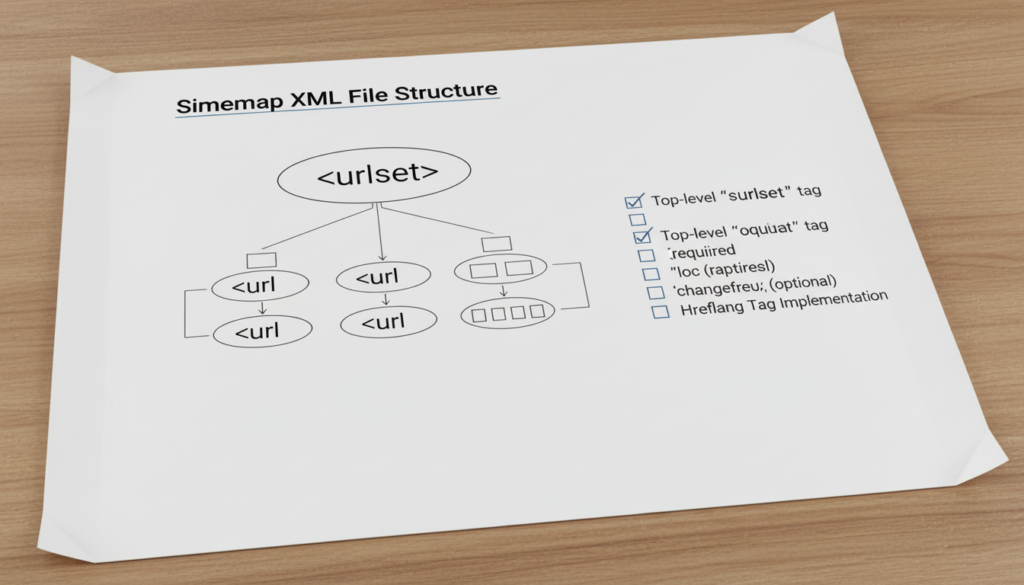
- Create and submit a sitemap.xml to Google Search Console
- Ensure a robots.txt file is correctly configured to allow important pages
- Use canonical tags to prevent duplicate content issues
- Verify that no important pages are blocked from indexing
2. URL Structure Optimization
SEO-friendly URLs are short, descriptive, and readable by humans and search engines. Tips include:
- Use hyphens (-) to separate words
- Include primary keywords in URLs
- Keep URLs short and meaningful
- Avoid unnecessary parameters and session IDs
3. Mobile-First Optimization
With mobile-first indexing, Google predominantly uses the mobile version of your site for ranking. Ensure your site is mobile-optimized:
- Responsive design with correct viewport settings
- Readable font sizes and touch-friendly buttons
- Optimize images for mobile devices
- Test mobile usability in Google Search Console
4. Site Speed and Performance
Website speed directly affects both user experience and SEO rankings. Key optimizations include:
- Minify HTML, CSS, and JavaScript files
- Optimize images using modern formats like WebP
- Enable browser caching
- Use a Content Delivery Network (CDN)
- Monitor speed metrics with tools like Google PageSpeed Insights or Lighthouse
5. Secure Website (HTTPS)
Security is an official ranking factor. Every modern website should use HTTPS:
- Obtain an SSL certificate
- Ensure all internal links point to HTTPS URLs
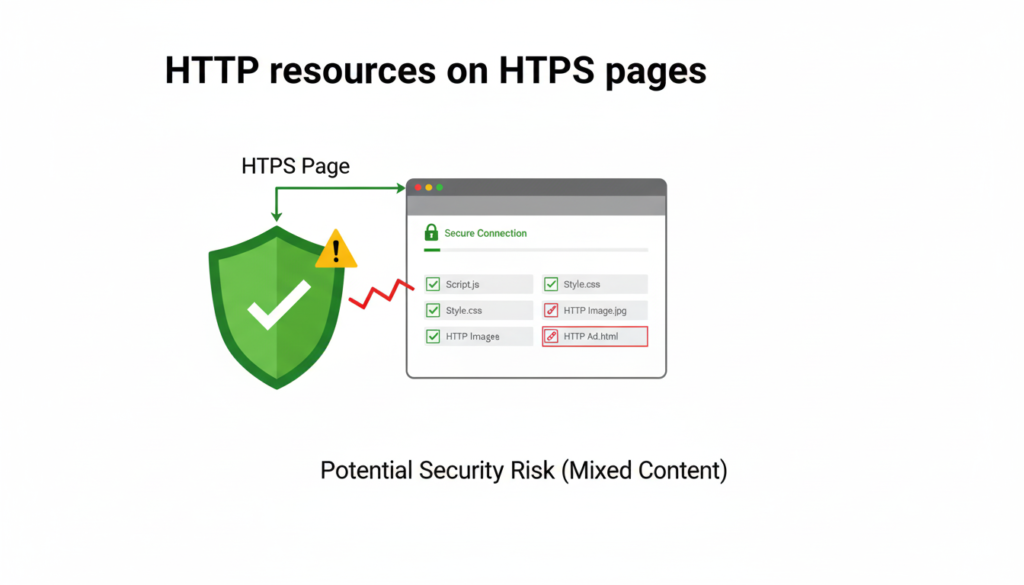
- Avoid mixed content (HTTP resources on HTTPS pages)
6. Structured Data and Schema Markup
Structured data helps search engines understand your content and improves rich snippets in SERPs. Key types include:
- Article schema for blogs
- Product schema for ecommerce pages
- FAQ schema for frequently asked questions
- Local business schema for location-based businesses
7. Core Web Vitals
Core Web Vitals are Google’s metrics for user experience:
- Largest Contentful Paint (LCP): measure page load speed
- First Input Delay (FID): measure interactivity
- Cumulative Layout Shift (CLS): measure visual stability
Optimize images, scripts, and layout shifts to meet recommended thresholds.
8. Internal Linking Structure
A proper internal linking strategy improves crawling efficiency and distributes page authority. Best practices include:
- Use descriptive anchor text
- Link to related pages and blog posts
- Avoid excessive links on a single page
- Implement a clear site hierarchy (main categories → subpages)
9. Redirects and Broken Links
Broken links and improper redirects can hurt both user experience and SEO. Checklist:
- Implement 301 redirects for permanently moved pages
- Avoid 302 temporary redirects unless necessary
- Use tools to scan for broken internal and external links regularly
10. XML Sitemap and Robots.txt Optimization
A correctly configured sitemap and robots.txt file ensure search engines can crawl your site efficiently:
- Include all important pages in the sitemap
- Exclude pages that should not be indexed
- Submit updated sitemap to Google Search Console and Bing Webmaster Tools
11. Pagination and Canonicalization
Pagination can create duplicate content if not handled correctly. Strategies:
- Use rel=”canonical” tags for duplicate pages
- Implement rel=”next” and rel=”prev” for paginated content
- Avoid indexing thin or duplicate content pages
12. Image Optimization
Images can significantly impact SEO and performance. Checklist:
- Use descriptive alt text for all images
- Compress images without losing quality
- Implement lazy loading for below-the-fold images
- Use proper file formats (WebP, SVG, PNG)
13. XML Sitemaps and RSS Feeds
Keeping your content organized improves crawlability and helps Google find new pages faster:
- Update sitemaps automatically when new content is published
- Ensure RSS feeds are valid for content syndication
14. Monitoring and Analytics
Ongoing monitoring ensures that technical SEO issues are identified and resolved quickly:
- Use Google Search Console to track index coverage
- Monitor Google Analytics for traffic trends and user behavior
- Use third-party tools like Screaming Frog or Ahrefs Site Audit
15. International SEO (Optional)
For businesses targeting multiple countries or languages:
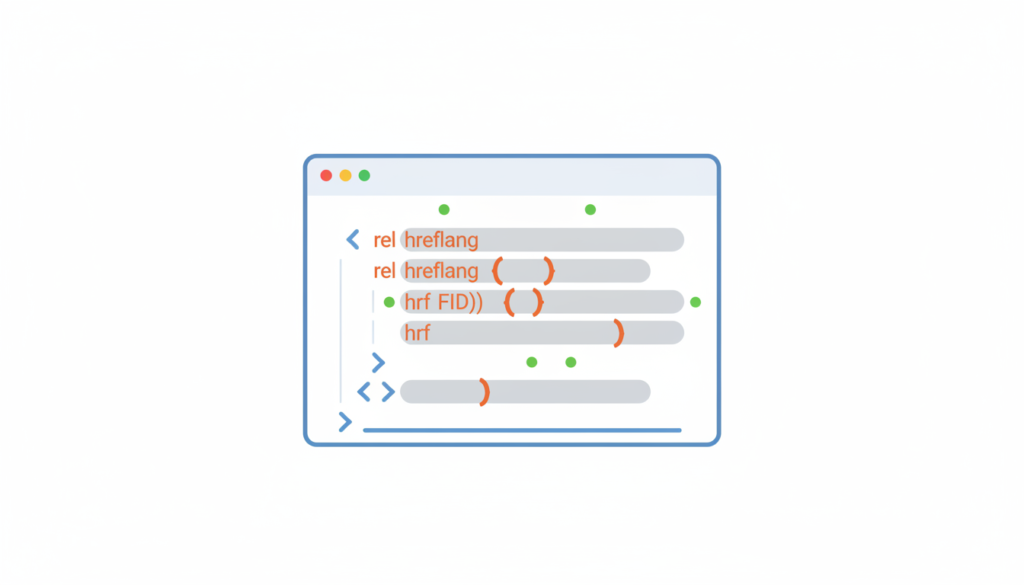
- Implement hreflang tags for language targeting
- Use country-specific subdomains or folders
- Ensure localized content for better relevance
16. Regular Technical SEO Audits
Even after implementation, technical SEO requires ongoing maintenance:
- Schedule quarterly audits
- Check for broken links, page speed regressions, and crawl errors
- Update schema markup as content changes
- Reassess Core Web Vitals periodically
Conclusion
Technical SEO is not optional for modern websites. It lays the foundation for search engine visibility, faster page speed, better user experience, and higher conversions.
By following this complete technical SEO checklist, businesses can ensure their websites are optimized for 2026 and beyond.
At Webhorus, we provide website development, SEO/AEO, website speed optimization, and maintenance services to help your website rank higher, perform better, and deliver exceptional user experiences.
Optimize your website today with our technical SEO expertise and start seeing measurable growth.